Pump power
Adjust watering strength per zone — gentle to strong
Every pump can be regulated from 10–100% — independently per zone. Less power means a gentler stream and finer dosing, ideal for small pots and delicate seedlings. Full power suits beds and large containers.
Default is 100%.
1Open pump settings
The path differs between app and device — the result is the same.
In the app
Settings → Pumps, then expand the "Pump settings" section.
On the device
Settings → Pump settings.
2Set power per zone
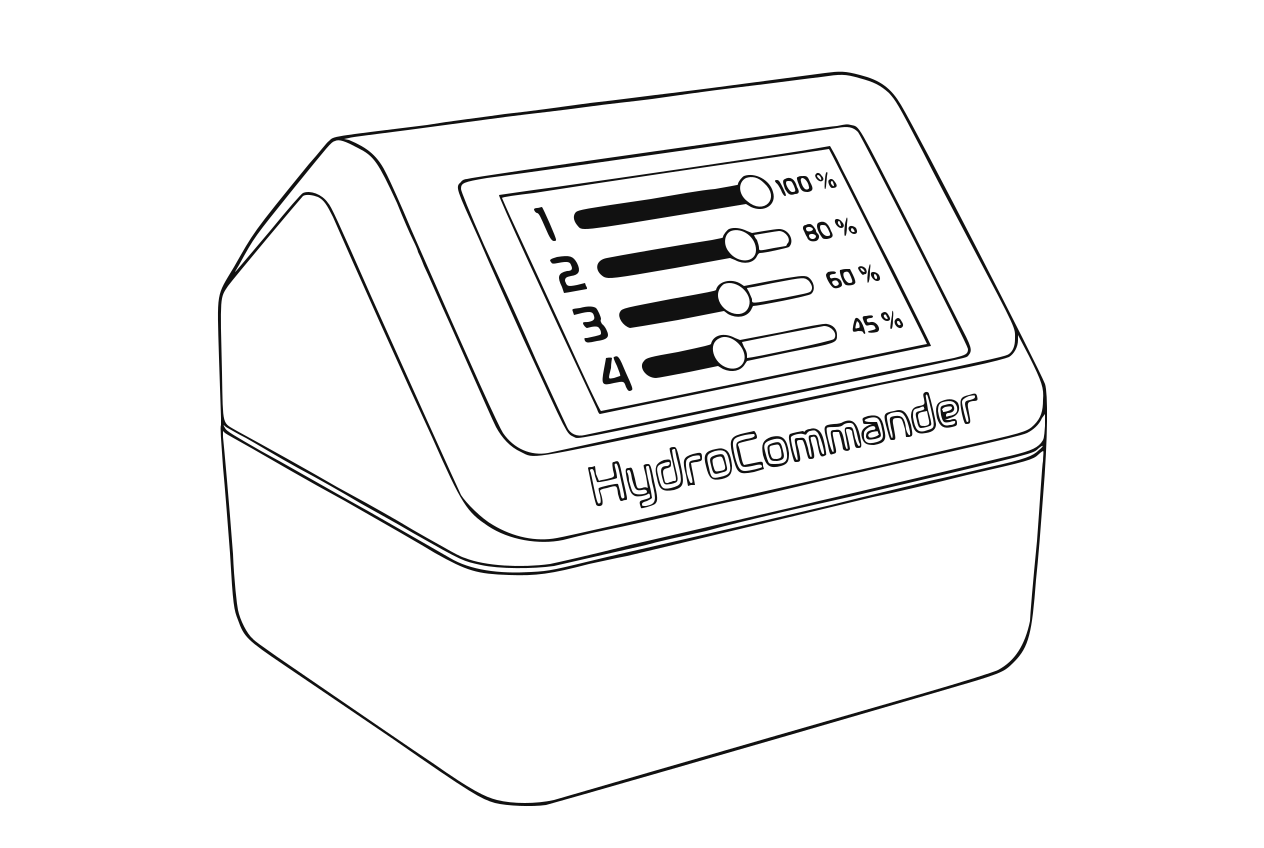
Pump power per zone Each zone has its own slider. Set the power you want and save — in the app you can set all zones first and then transfer them together via "Save pump power".
Tip
If a pump does not start at a very low setting, increase the power a bit — it needs a minimum to spin up. The smallest value is 10% — it means "as gentle as possible", not "off". The only way to switch a zone off completely is to disable it.
3Recalibrate the flow rate
Right afterwards run the pump calibration ("Calibrate flow rate" in the same section). Flow does not change linearly with power — without recalibration, ml figures, statistics and tank math go wrong.
Caution
Always keep this order: set power first, then calibrate.
4Test run
Open zone → "Water now (5s)" (on the device "Manual pump (5s)") and check whether the stream suits the plant. Adjust power if needed — and calibrate again.