Smart home (MQTT)
Integrate with Home Assistant & co. — locally, no cloud
HydroCommander can hook into your smart-home system via MQTT — Home Assistant, ioBroker, openHAB or Node-RED. Everything runs locally on your network, no cloud involved.
In Home Assistant the device appears automatically thanks to auto-discovery, with all values: moisture, condition, consumption and mode per zone, pump switches, tank level, vacation mode and "Pause today".
REQUIREMENT: An MQTT broker on your network (for Home Assistant: the Mosquitto add-on) and its credentials.
1Have a broker ready
In Home Assistant: install the "Mosquitto broker" add-on and create a user. Note down IP address, port (default 1883), username and password.
2Open the smart-home section
In the HydroCommander app: Settings → "Smart home".
3Enter the credentials
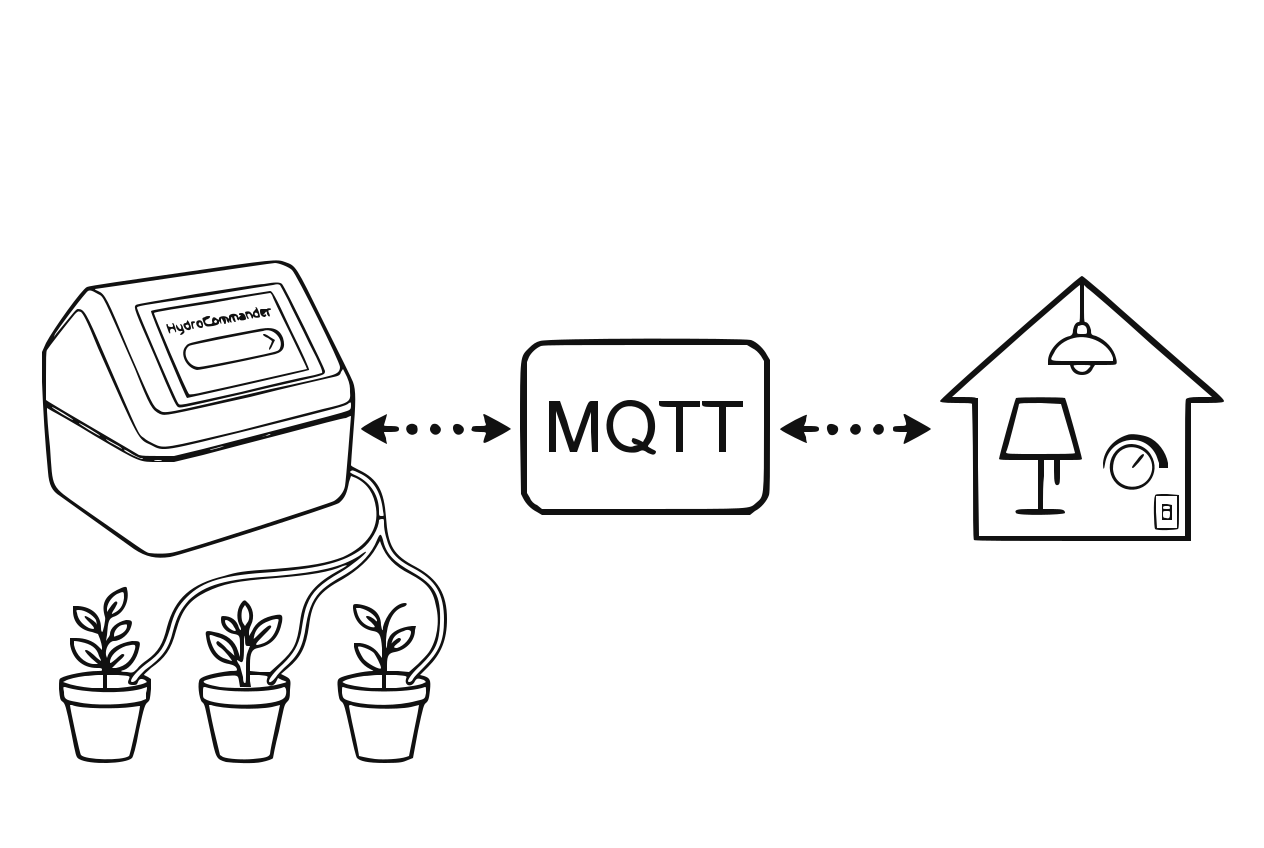
MQTT connection to the smart home system Enter broker address, port, username and password, enable MQTT and save. The device connects to the broker.
4Check in Home Assistant
Thanks to auto-discovery the HydroCommander shows up automatically among the MQTT devices within moments — with all sensors and switches.
5Build automations (optional)
Now use HydroCommander in scenes and automations — e.g. a notification when the tank is empty, or a dashboard with all plants.
Tip
Via Home Assistant the values can also reach Apple Home, Google Home or Alexa if you wish.
GOOD TO KNOW
- The MQTT integration is fully optional and local — no data leaves your network.
- HydroCommander stays independent: watering continues normally even without a broker connection.
- Pump switches in Home Assistant trigger normal manual watering — all safety limits still apply.